

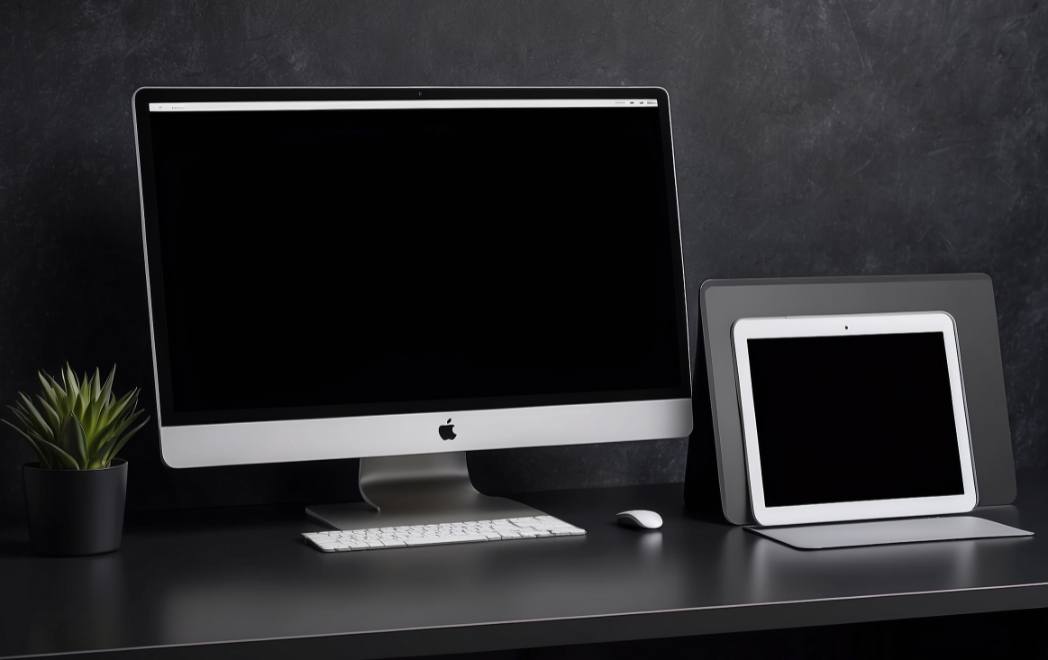
iMac gives you the desktop experience. The New iMac is packed with all processor, the latest graphics technologies, innovative storage and higher-bandwidth connectivity. It has the most colorful Retina display. iMac is equipped with seventh – generation Intel Core i5 and i7 processor and the latest high performance graphics. VR makes its debut on iMac, with the ability to edit 360° video in apps. It has display, processor, graphics, storage, memory and more — inside one simple, stylish enclosure. Like every other system iMac also has certain issues we can solve it out with Mac First Aid Mac First Aid is a utility included with the Mac OS for checking and repairing file system errors. Most of the issues can be fixed by following the steps outlined below. These steps will be asked to be done once you call for apple support.
1.Reboot Mac: Press the power button (or press Control +Eject) and, when a dialog box appears, click the Restart button.
2.Reset PRAM/NVRAM (and boot into Safe Mode): Settings that can be stored in NVRAM include sound volume, display resolution, startup-disk selection, and time zone.
5.Verify disk (and repair if necessary):
6.Reset Safari and clear caches
8. Update to the latest version of mac OS
10. Reinstall mac OS. Most of the problems are supposed to be solved after following the above mentioned steps. Even after doing all these steps if the issue continues please bring your imac to iMac service center Calicut/Apple service center Calicut. We assure you the best and quality servicing of your imac.
At "Sizcom Apple Service store Calicut", through a systematic mix of appropriate technology, parts and expertise, we look at executing repairs instantly or within the passing of the first 24 hours from when your Apple Device was initially handed over to us. This concept of quick and reliable Apple Device solutions has helped us arrive at where we stand today.
Copyright 2026 – All Rights Reserved By Apple Service Calicut